After purchase
Know the account journey before you buy.
The buying experience is built around confirmation: choose the account, review the rules, receive credentials, track limits, and request payout only when eligible.
Purchase Timeline
1. Confirm Account
Use the account confirmation step to verify size, fee, rules, payout schedule, and acknowledgment.
2. Receive Access
After payment, account credentials and dashboard access match the product selected before payment.
3. Track Rules
Use the dashboard and terminal to monitor targets, trading history, and rule status before payout requests.
4. Request Payout
Submit only after meeting the account-specific target, schedule, and review conditions.
Account Rule Snapshot
Choose the path that matches how you want to qualify, then confirm the selected SKU again before payment.
| Cobra Venom | 5% withdrawal target; 4% static daily loss; 6% max loss; no minimum days; daily payout requests when eligible |
|---|---|
| Cobra Prime | 5% withdrawal target; 3% static daily loss; 6% max loss; 7 trading days + 5 green days before the first payout; daily payout requests once unlocked |
| 1-Step Evaluation | 10% target; 4% static daily loss; 6% max loss; 3 minimum trading days; weekly payout requests after evaluation and eligibility checks |
| 2-Step Evaluation | 10% / 5% targets; 8% static daily loss; 12% max loss; 3 minimum trading days; bi-weekly payout requests after evaluation and eligibility checks |
Example Account Math
These examples are planning math only. They are not profit projections, payout promises, or trading advice.
| $100K Cobra Prime | 5% withdrawal target = $5,000; 3% daily loss = $3,000; 6% max loss = $6,000; 1.5% open-trade loss limit = $1,500 |
|---|---|
| $100K 1-Step | 10% target = $10,000; 4% daily loss = $4,000; 6% max loss = $6,000 |
| $100K 2-Step | 10% phase 1 = $10,000; 5% phase 2 = $5,000; 8% daily loss = $8,000; 12% max loss = $12,000 |
CobraTerminal Workspace
CobraTerminal connects account access, market view, rule visibility, and payout readiness in one trader workspace.
Account Access
Confirm credentials and selected account path after setup.
Rule Tracking
Keep target, drawdown, schedule, and account status visible while trading.
Payout Flow
Request payout only after the selected account meets its target and review conditions.
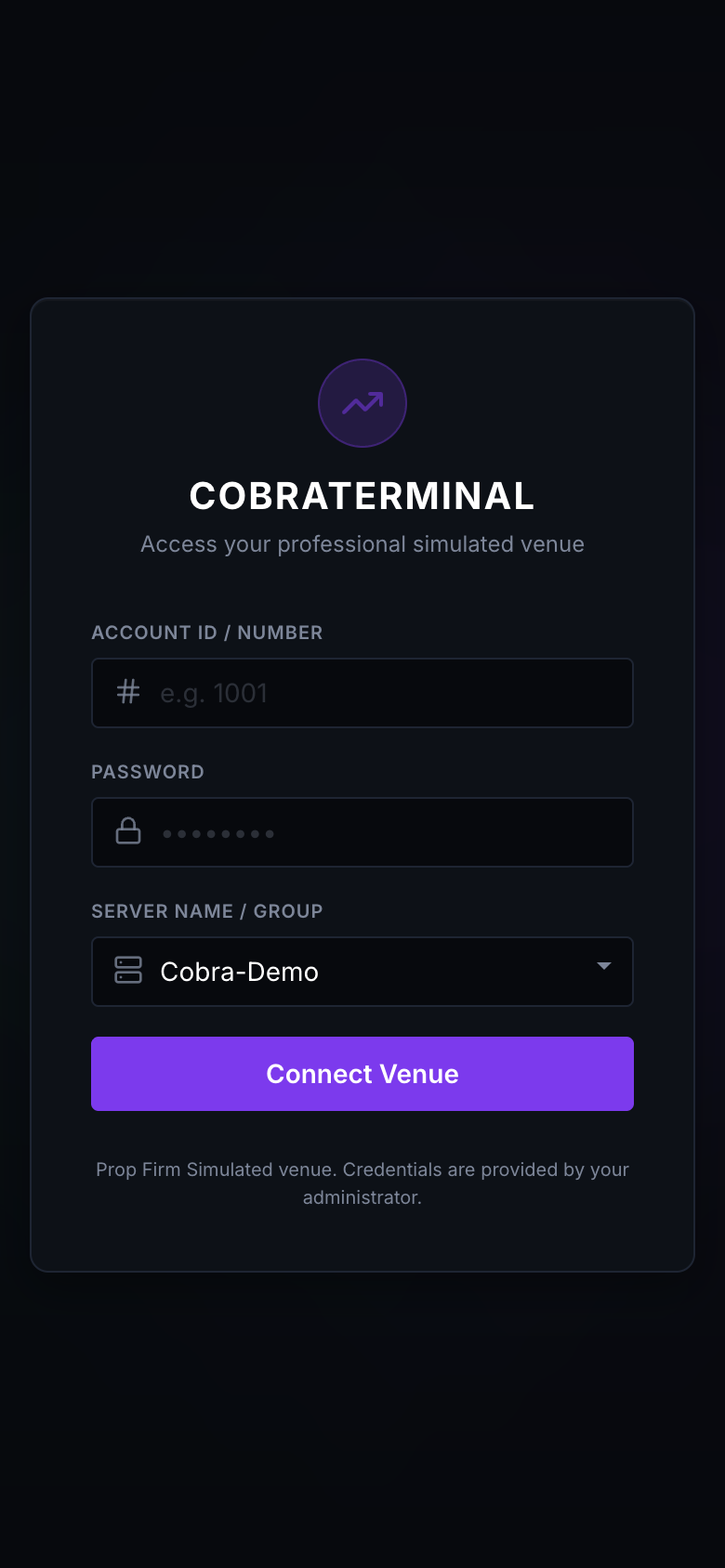
Credential Access
Traders receive venue credentials after account setup.
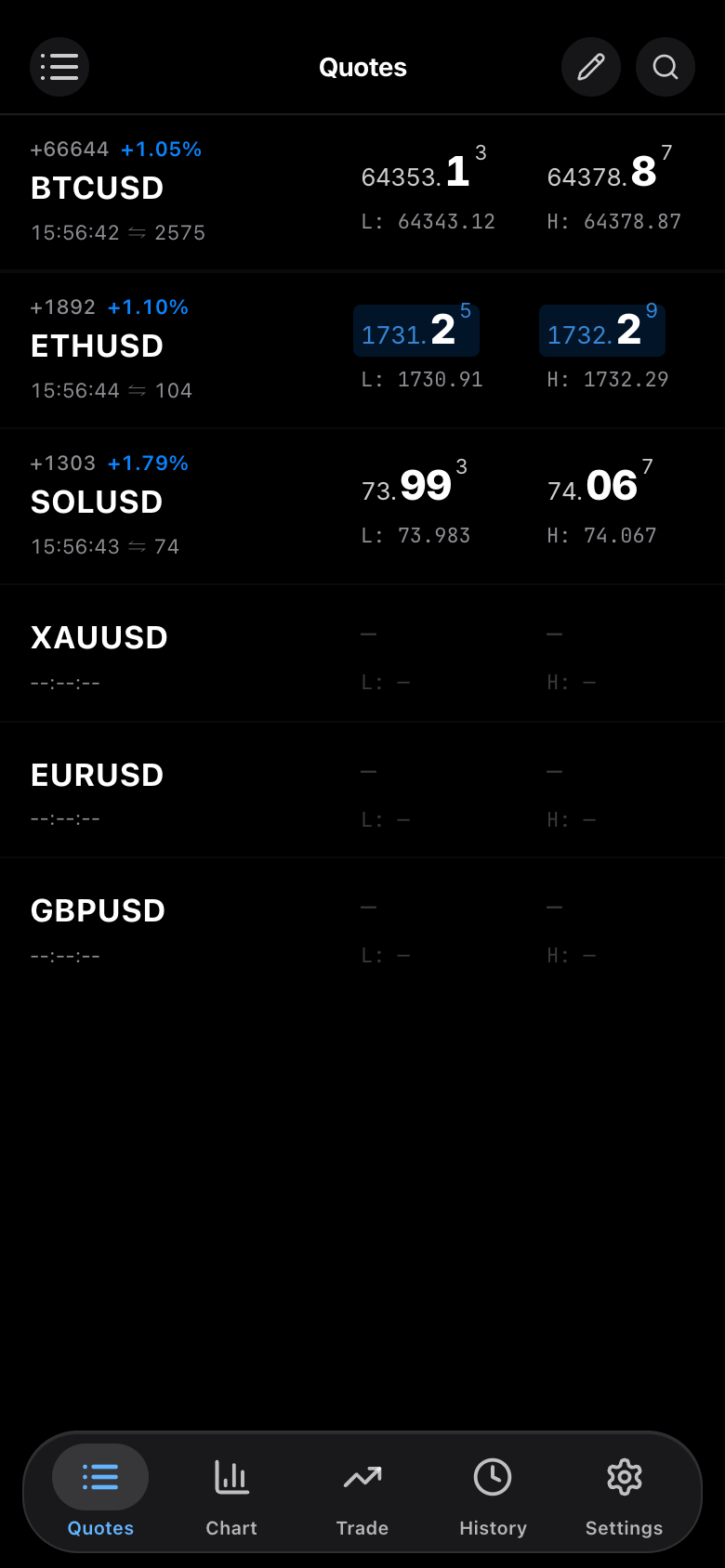
Market View
CobraTerminal gives traders a live market interface for simulated trading.
Common Questions
Can I pay before reading rules?
Read the rules first. The account confirmation step repeats the selected rules and requires acknowledgment before the secure account access.
What if dashboard rules differ?
Stop and contact support before payment or trading if the dashboard, account setup, ad, or public page differs.
Where to start
Use Instant for no evaluation phase, 1-Step for one evaluation phase, or 2-Step for a structured two-phase evaluation.